Customise your Breakroom user interface to fit your training needs. Define what your users see and interact with, from simple toggles in the Dashboard to full interface redesigns using the Breakroom SDK.
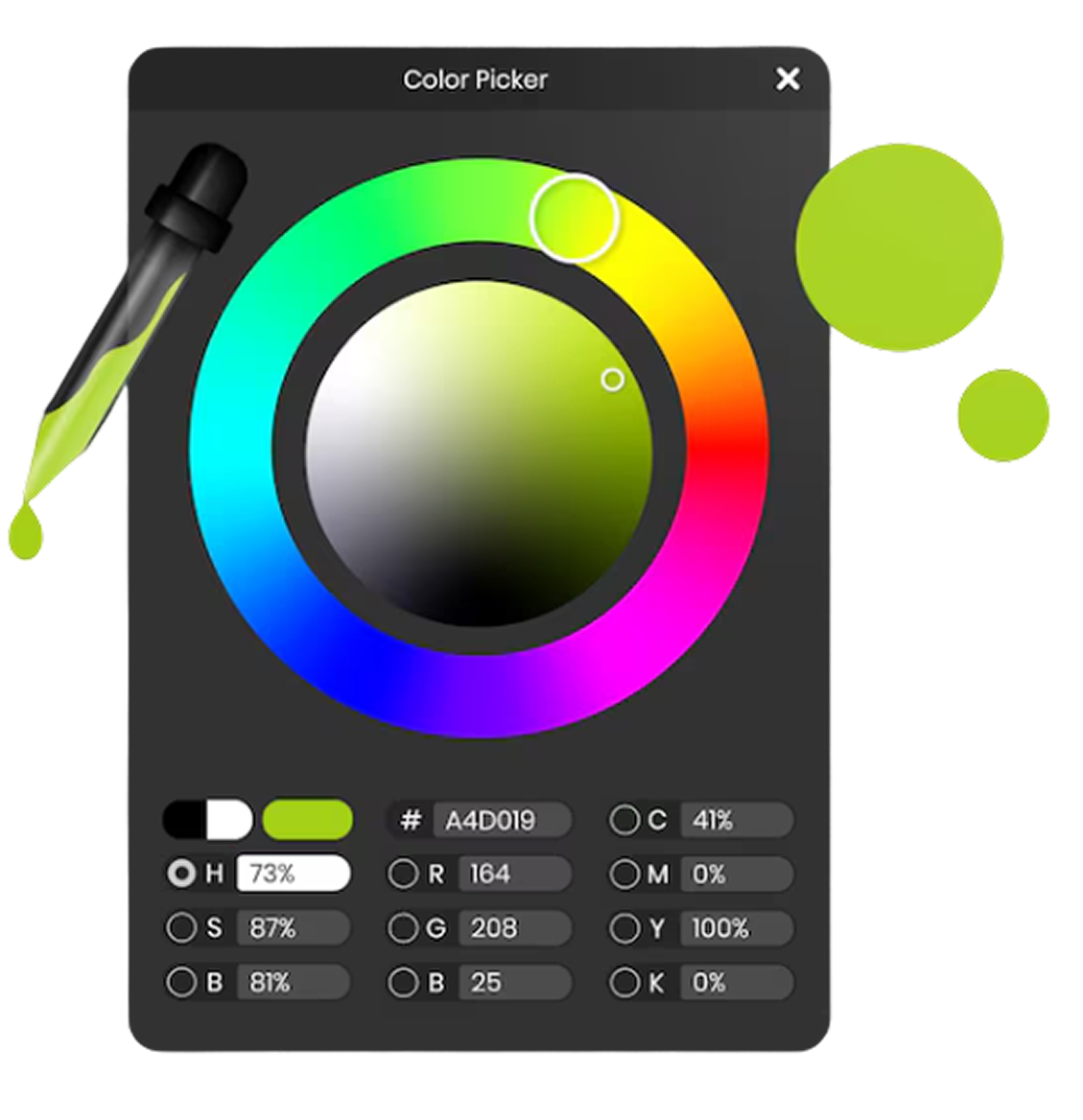
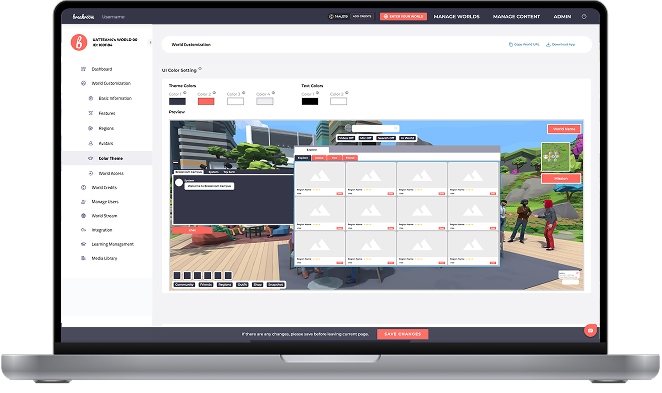
Breakroom’s UI provides all the essential tools and displays to navigate and engage with your virtual world. The Dashboard controls key features to be displayed or hidden, and you can choose what is appropriate for your objectives. UI scale and colour palette are adjustable, ensuring accessibility for users requiring larger text or high-contrast visuals. Individuals can personalise the UI scale, enhancing comfort during sessions.
.jpg)
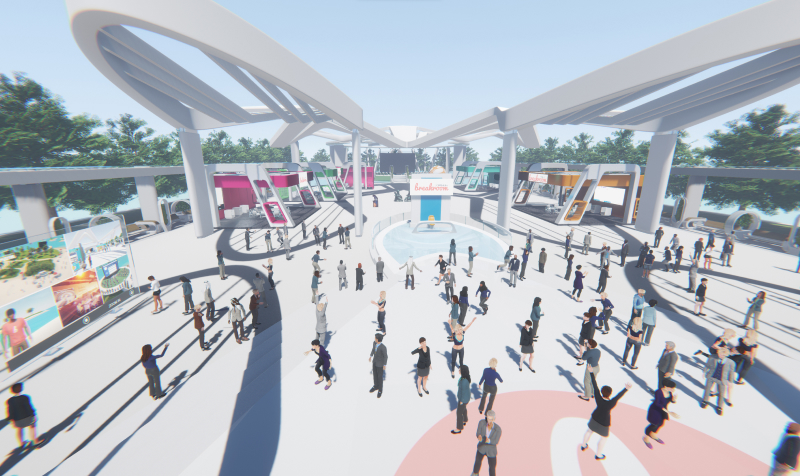
Tailor the experience to your specific training and collaboration goals by customising the user interface
.png)
.png)
.png)
.png)
Simplify workflows and reduce distractions for in-depth focused training by customising the interface to your precise requirements. Replace the default UI entirely, and take full control using the Breakroom SDK.
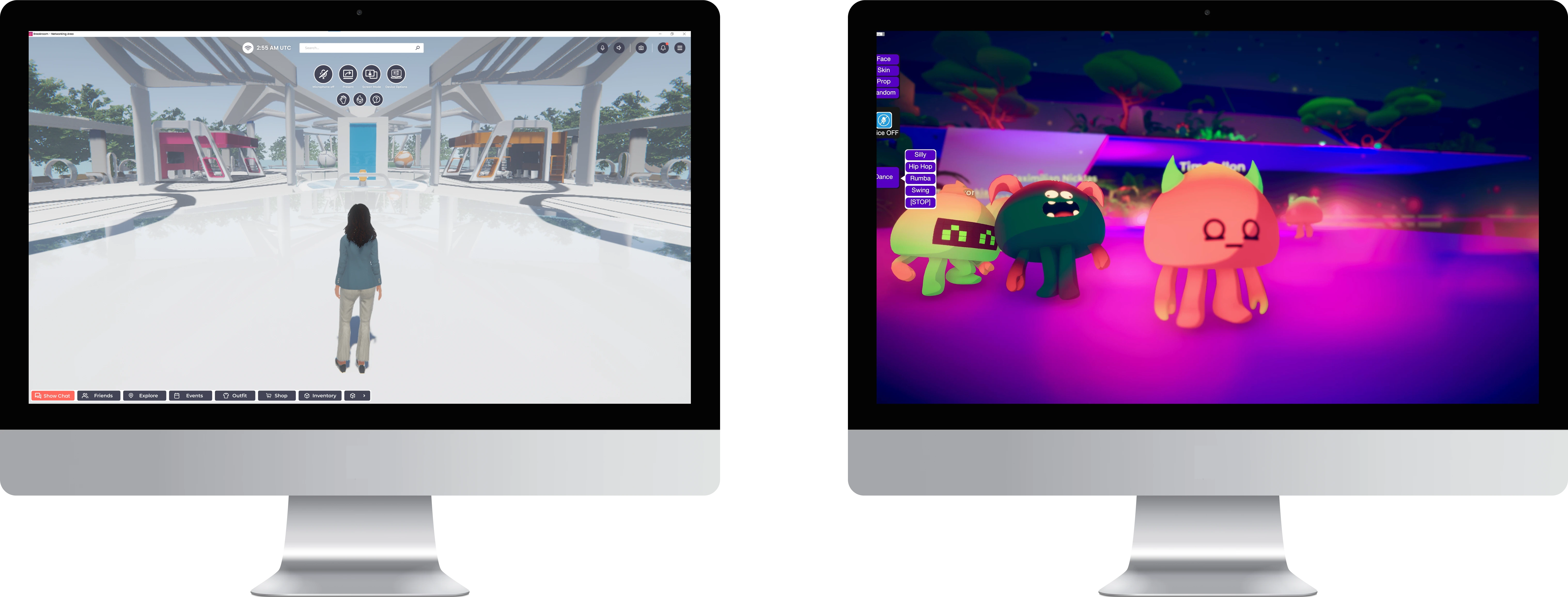
.png)
.png)
.png)
.png)

Certificate No:365702021